Free browser game · No download
The Black
Updated 2026-10-31
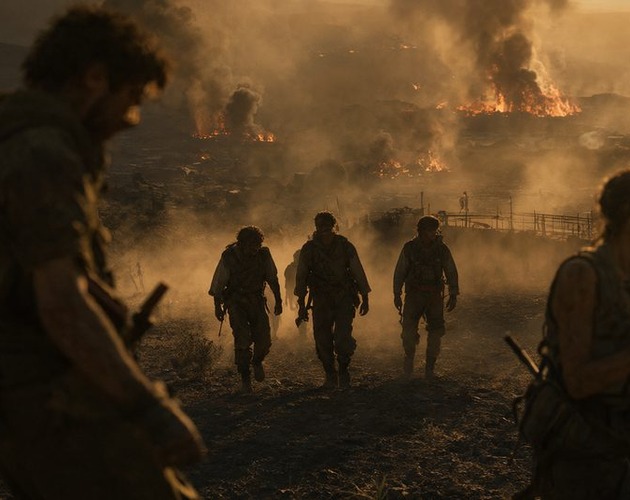
Direct a fire crew on one ridge, lay fire ahead of a wildfire, and make tactical calls in a short browser run.
ByaliaholesReleasedLink checked Oct 31, 2026
How to play The Black
- Use the mouse to look; the first field click captures it, or right-drag.
- Move with W A S D or arrow keys; press Shift to run and Q / E to turn.
- Hold the left mouse button to lay a strip of fire; tap to place a single dot.
- Right-click to tell the crew to hold or follow; use Tab for the map and the mouse wheel to zoom.
- Press Esc or P to pause.

Made The Black? Tell us and we will update or remove this page.Contact Us
Game info
| Developer | aliaholes |
|---|---|
| Released | 31 October 2026 |
| Last updated | Unknown |
| Platform | HTML5 |
| Session length | Unknown |
| Engine | Unknown |
Play Other Games
See all hot games →

More Strategy Games
See all →
Just Added
See all new games →About The Black
Reyes Watches the Ridge
The Black sets its scenario on one ridge, with a wildfire advancing as the afternoon runs toward sunset. You direct a crew of six, including Reyes, who watches from a lookout and talks over the radio. Four crew members can be placed around the terrain, and a right-click tells them to hold their position or follow you. That makes each decision a mix of reading the fire and choosing where people should stand when it shifts. The run begins at 16:30 and moves through five beats toward sunset, taking about ten minutes. The tight window gives every move a clear purpose: check the field, place the crew, then respond as the front advances. The Black keeps the focus on a single firefighting situation, with a short setup and a clear objective: hold the ridge and bring the crew home.
Drip Torch Shapes the Black
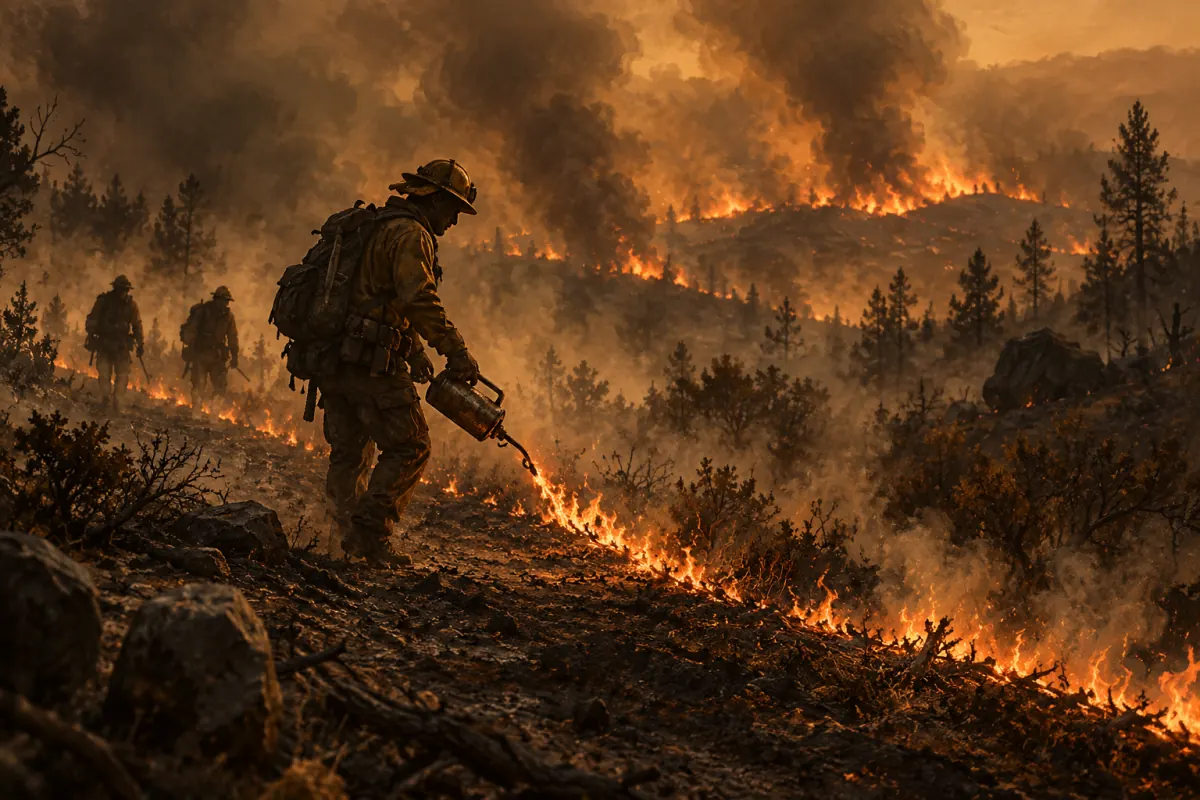
The Black gives you a drip torch to lay fire ahead of the approaching wildfire. Burning fuel first leaves blackened ground that can become a safer place to stand. Hold the left mouse button to lay a strip, or tap to place a dot; both inputs let you shape where your fire goes. The tactical twist is that fire is the tool you use to manage the danger. You plan where the ground burns instead of trying to extinguish the advancing wall. If the front is about to overrun you, light the grass at your feet, wait for it to turn black, then step into the burned patch. The fire splits around that ground. The Black makes this emergency move part of its central idea: use fire placement to manage space, then move through the opening the burned ground creates.
Spot Fire Threatens Town
A spot fire can jump toward town, so The Black asks you to watch where the main front gets past your line. Tab opens the map, and the mouse wheel changes its zoom. Right-click can order the crew to hold or follow, giving you a way to reposition them as the situation changes. The ridge has a defined span, from 16:30 to sunset, divided into five beats. That keeps the danger tied to a short, readable timeline. When a run goes wrong, The Black traces the fire back to the place it crossed your defenses and lets you retry from just before that moment. You can look at the breach, reconsider where the fire was laid or where the crew stood, and try again with that point in mind. The result is a focused firefighting scenario where the map, crew orders, and fire line all matter.
Where players get stuck
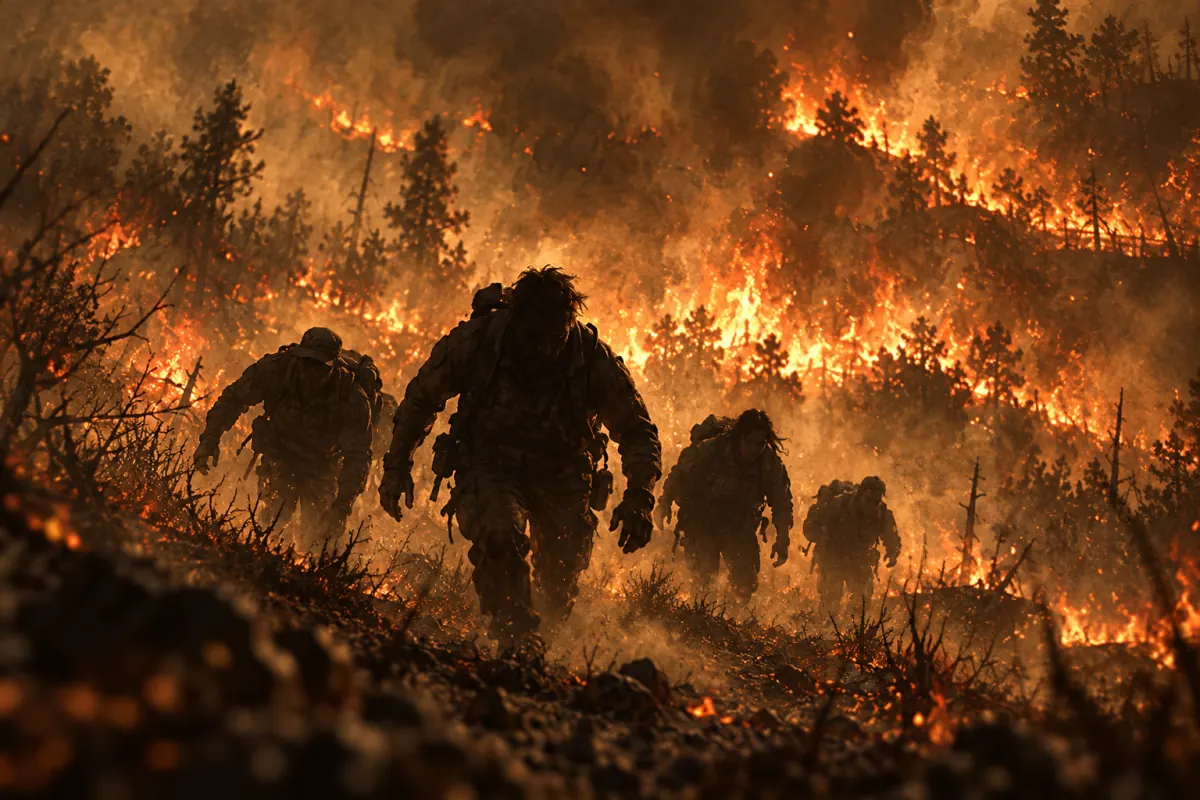
1) Wildfire front about to overrun you: Light the grass at your feet and wait for it to burn down to black. Step into the burned patch; the fire front splits around it, giving you a way through the immediate danger. 2) Spot fire near town: Open the map with Tab and check where the fire is getting past your line. Right-click to set the crew to hold or follow, then reposition them in response to the spot fire's direction. 3) Breach on the ridge: After a loss, follow the traced fire path to the place it crossed your line. The Black lets you retry from just before that breach, so adjust your fire placement or crew position there.
Our take
Based on the game's description and how it plays, The Black has a sharp tactical hook: you use fire to shape where the wildfire can go. The single ridge and short sunset run keep decisions focused, while crew orders give you another way to respond. Pros: 1) The drip torch makes fire placement the central decision, and burned ground doubles as a safer route when the front closes in. 2) Reyes, the lookout radio, crew orders, and map give this short scenario clear ways to read danger and respond. Cons: 1) The Black centers on one ridge and a roughly ten-minute run, so its setting and scenario are deliberately limited. 2) It requires a keyboard and mouse, which excludes touch-only play.
How it compares
1) Vampire Survivors: Vampire Survivors is built around surviving enemy waves and developing an attack through upgrades. The Black instead asks you to place fire, position a crew, and manage a wildfire across one ridge. 2) Firewatch: Firewatch focuses on narrative exploration from a forest lookout. The Black is a short tactical firefighting scenario, centered on placing fire and directing a crew as a wildfire advances along one ridge.
Controls
| Key | Action |
|---|---|
| Mouse; first field click captures it, or right-drag | Look around |
| W A S D or arrow keys | Move |
| Shift | Run |
| Q / E | Turn |
| Hold left mouse button; tap | Lay a strip of fire; place a single dot |
| Right-click | Tell the crew to hold here or follow you |
| Tab; mouse wheel | Open the map; zoom the map |
| Esc or P | Pause |
The itch.io page does not list input methods, so touch play is not confirmed.
FAQ
The Black FAQ
What do you do in The Black?
You direct a fire crew on a ridge while a wildfire advances. Use a drip torch to lay fire ahead of the front and burn fuel, creating blackened ground that can be safer to occupy. Position the crew and watch for spot fires heading toward town.
Can you put out the wildfire in The Black?
No. The Black centers on laying fire ahead of the advancing front so it burns fuel first. The burned ground can provide a safer place, and it can help you escape if the fire is about to overrun you.
How long does a run in The Black take?
A run on the ridge starts at 16:30 and continues toward sunset in five beats. It takes about ten minutes. If the fire gets past you, The Black traces the breach and lets you retry from just before it.
What does the drip torch do in The Black?
It lets you lay fire ahead of the wildfire. Hold the left mouse button for a strip or tap for a single dot. In The Black, the resulting burned ground can be safer to occupy, and stepping into it can help when the front closes in.
How do you give the crew orders in The Black?
Right-click to tell the crew to hold where they are or follow you. You can place four crew members, while Reyes watches from the lookout and talks over the radio in The Black.
Can I play The Black in a browser?
Yes. The Black runs as an HTML5 game in a browser and requires a keyboard and mouse. Look with the mouse, move and turn with the keyboard, and press Esc or P to pause.
Sources & credits
Game © aliaholes, page written by Poke Survivor editors